
Admission Process
Please Follow the below steps
Choose Center for Development of IT Professionals under the Offered Course section.
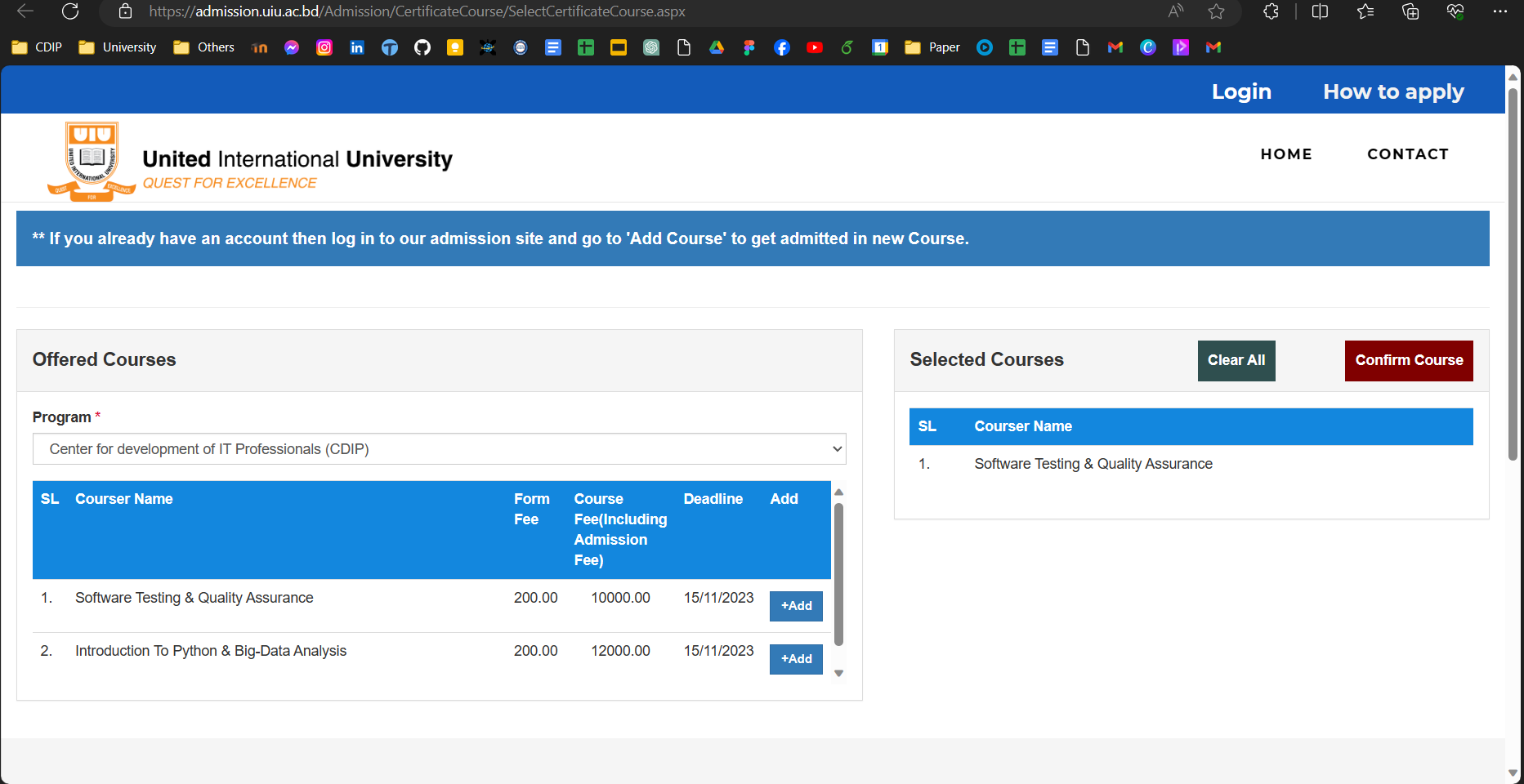
3. Click +Add button to Select the Course you would like to enroll in.
4. Click on Confirm Course and Create Account by providing the required information.
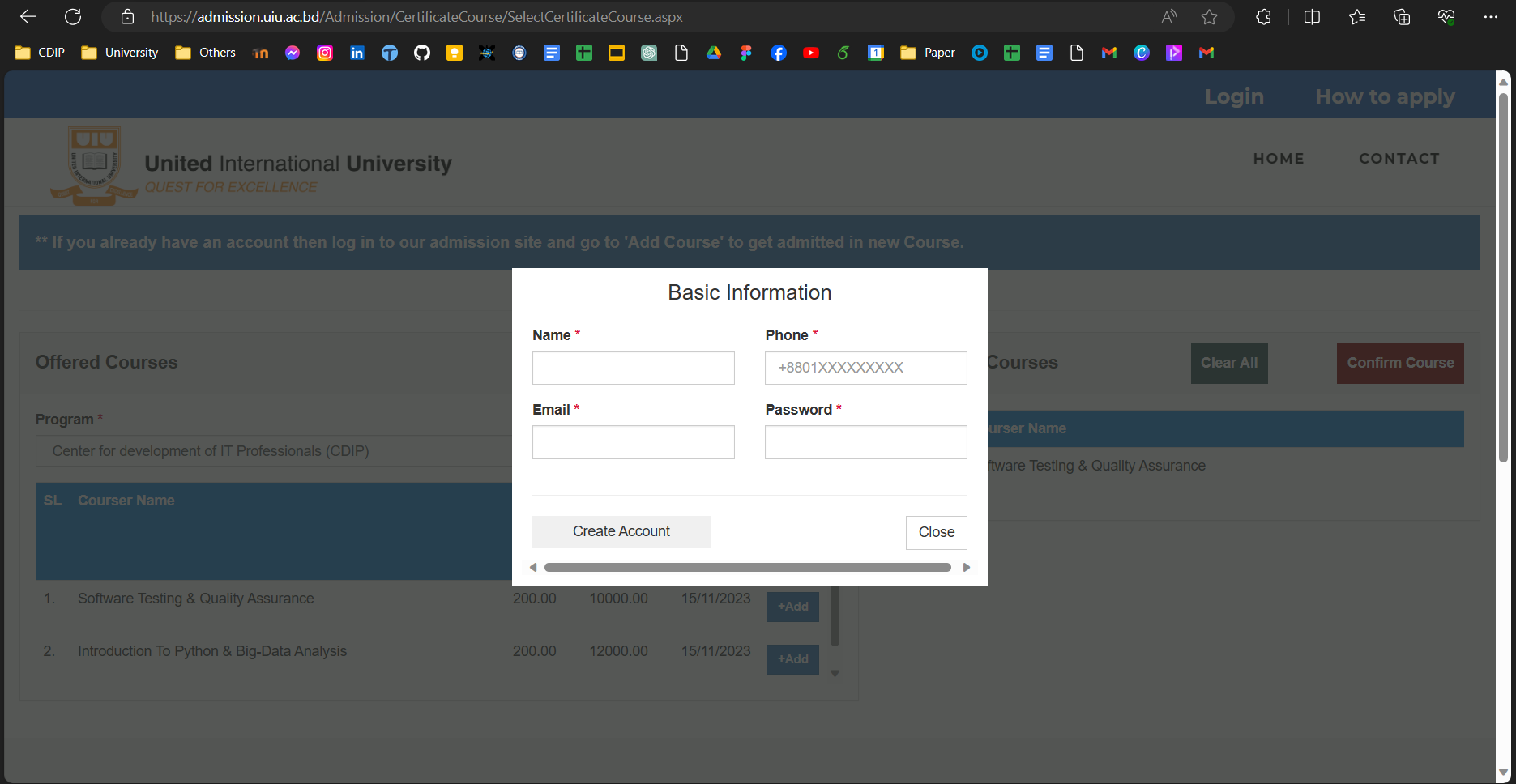
4. Upon creating your account, you will receive a Payment ID. Now Pay the form fee and save the Payment ID(CCP ID). You can make the payment through online or offline. To pay offline go to CDIP office or admission office.
5. After Payment, you will receive a link through email and message. Go to the link and provide all the necessary information, including your signature and picture. If you miss any, your admission will not be approved.
6. After filling up the information go to the admission office with a photocopy of your certificate/Transcript/NID/Student ID (Only applicable for UIU students) and collect your ID number to pay the course fees.
7. You will receive an ID number from the admission office. Therefore, go to the accounts office and pay the course fee amount (10,000/12,000) using the received ID number.
8. If you don’t want to come to UIU, just send your Certificate/ID Card pdf to this WhatsApp number +8801571299799 and pay the amount through Bkash or DBBL.
9. Your Admission is complete.
For any inquiries or assistance, please contact us at Phone/WhatsApp: +8801571299799