
- Schedule
- Every Friday, 09:00 AM – 12:00 PM
- Length
- 16 classes: 12 core classes + Final project + Viva
- Course fee
- Tk 20,000
Classes running
Course details
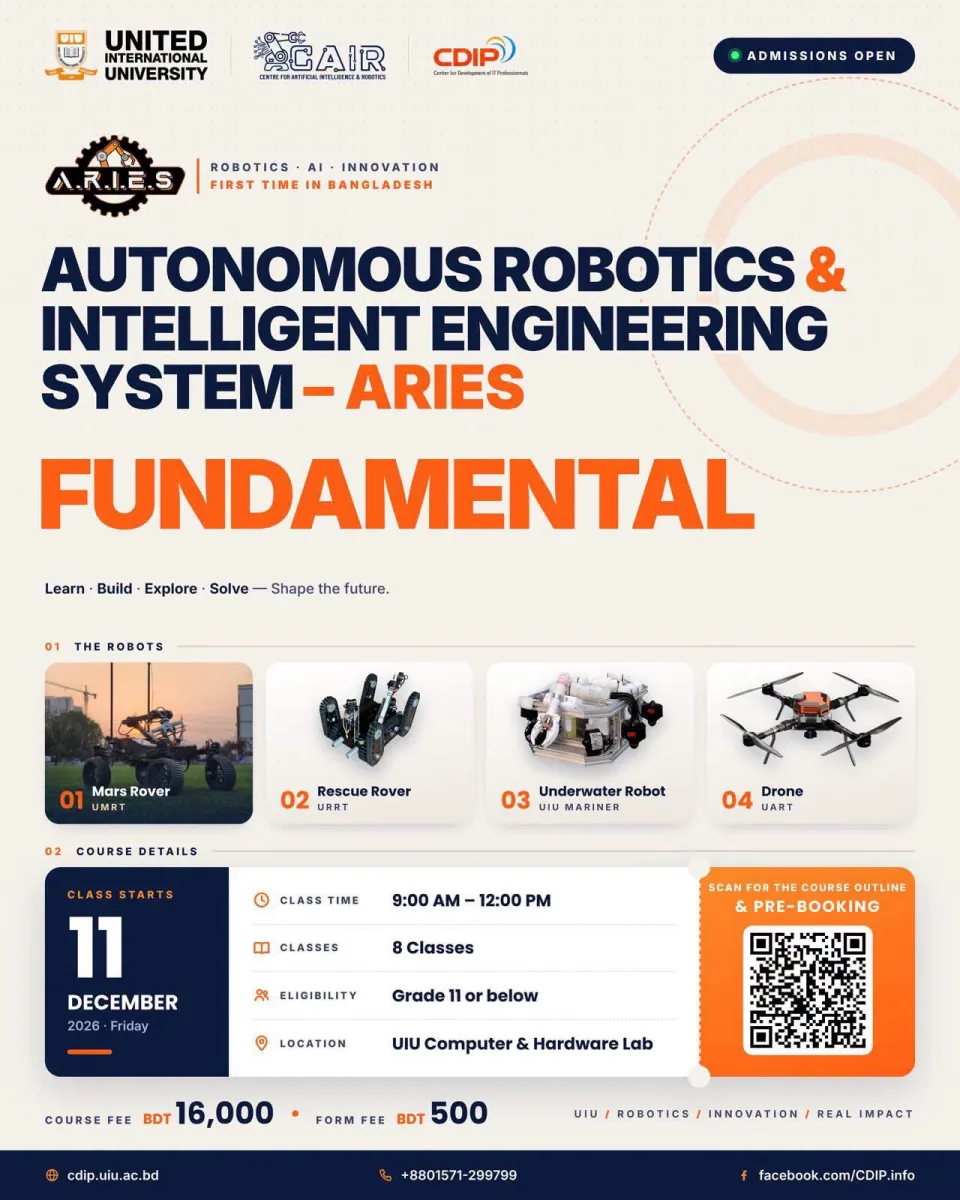
A.R.I.E.S. Junior is a hands-on training experience designed to guide students in Classes 6–10 from foundational robotics principles to building and demonstrating a functional beginner-level robot. The program emphasizes practical engineering workflows, safe experimentation, guided tool usage, and structured problem-solving across mechanical, electrical, and computational domains.
Participants will explore how to find and prepare free 3D models for printing, design and test simple electronic circuits in a simulator, program a microcontroller, control motors, and use sensor input to make a robot respond to its environment. The curriculum integrates basic mechanical systems, 3D printing preparation, circuit simulation, embedded programming, and introductory autonomous behavior.
By the end of the program, participants will work in small teams to assemble, test, and present a robot that combines a mechanical structure, electronic circuitry, a control program, and at least one simple sensor-based behavior. The program is designed for school students and does not require prior robotics experience
Learning Objectives
1. Understand the basic relationship between mechanical, electrical, and computational parts of a robot.
2. Identify common mechanical components such as chassis, wheels, gears, and mounting structures.
3. Find free 3D models, inspect STL files, and prepare a model for 3D printing using slicing software.
4. Understand basic electrical concepts, component polarity, and safe wiring practices.
5. Design and test simple electronic circuits using a beginner-friendly circuit simulator.
6. Write and modify introductory Arduino-style C/C++ programs using variables, conditions, and input/output.
7. Control DC motors through a suitable motor driver and understand the purpose of PWM.
8. Use ultrasonic or infrared sensors to detect nearby objects or surface differences.
9. Integrate mechanical parts, electronics, and code into a working beginner robotics project.
10. Present a project demonstration and explain its basic design and operation.
Goal: Modules: 1. Robotics fundamentals; mechanical components; free 3D model resources
Goal: Modules: 1. STL files; scale and dimensions; slicing; print orientation and settings
Goal: Modules: 1. Basic circuits; components; safe wiring; virtual circuit design
Goal: Modules: 1. Arduino; digital input/output; sensors; motor drivers; PWM concepts
Goal: Modules: 1. Introductory C/C++; movement sequences; motor control
Goal: Modules: 1. Distance or IR sensing; thresholds; obstacle response; line-following concepts
Goal: Modules: 1. Mechanical assembly; wiring; code integration; testing and debugging
Goal: Modules: 1. Demonstration; project explanation; practical challenge and evaluation
Goal: Showcasing project.
TBA